free screenshot beautifier
a screenshot beautifier puts a plain screenshot on a designed background, with padding, rounded corners and a shadow, so it looks finished. tasteshot does this for free in your browser, at the post sizes linkedin and x use.
your screenshot is never uploaded, and you don't need an account.
studio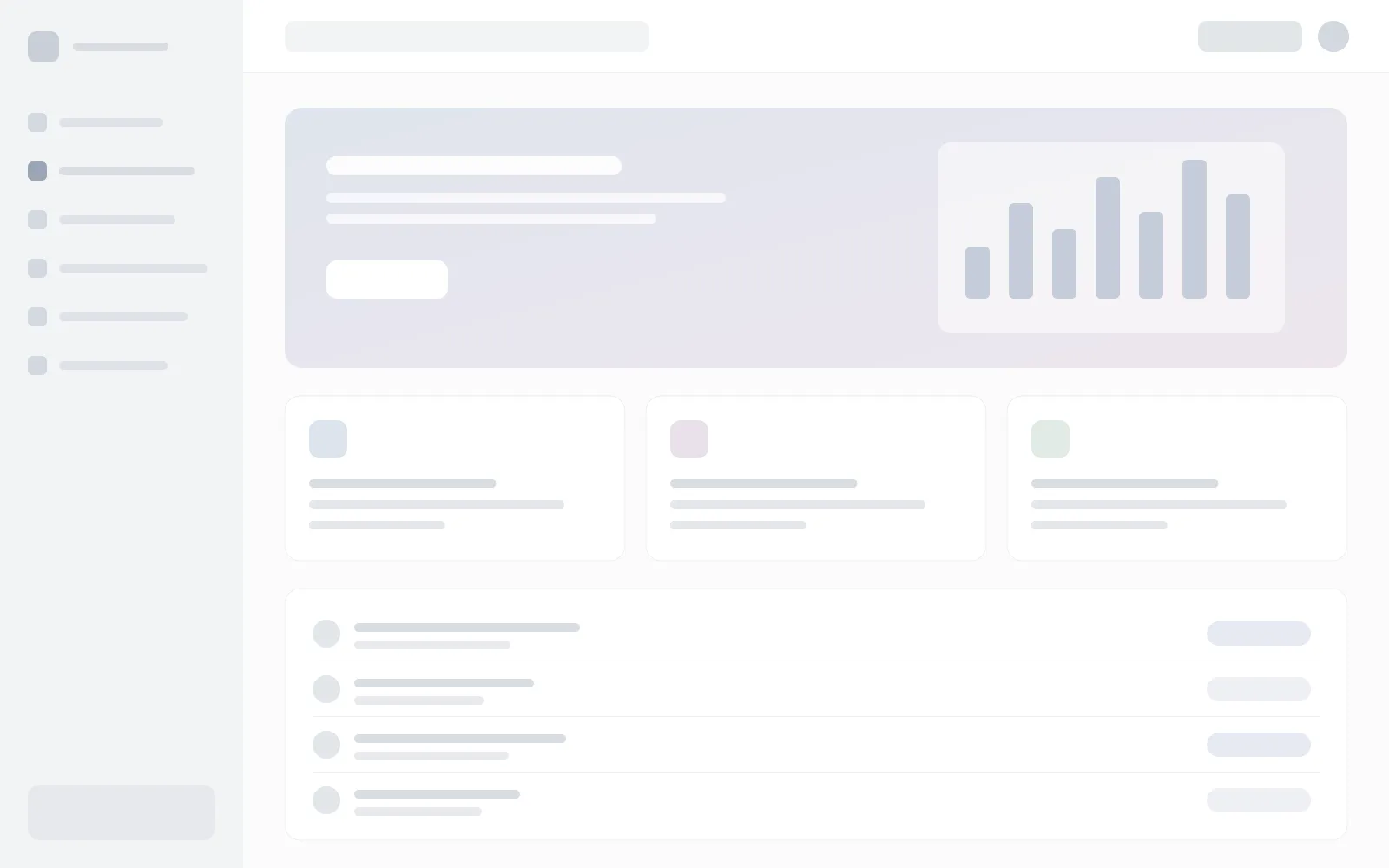
before
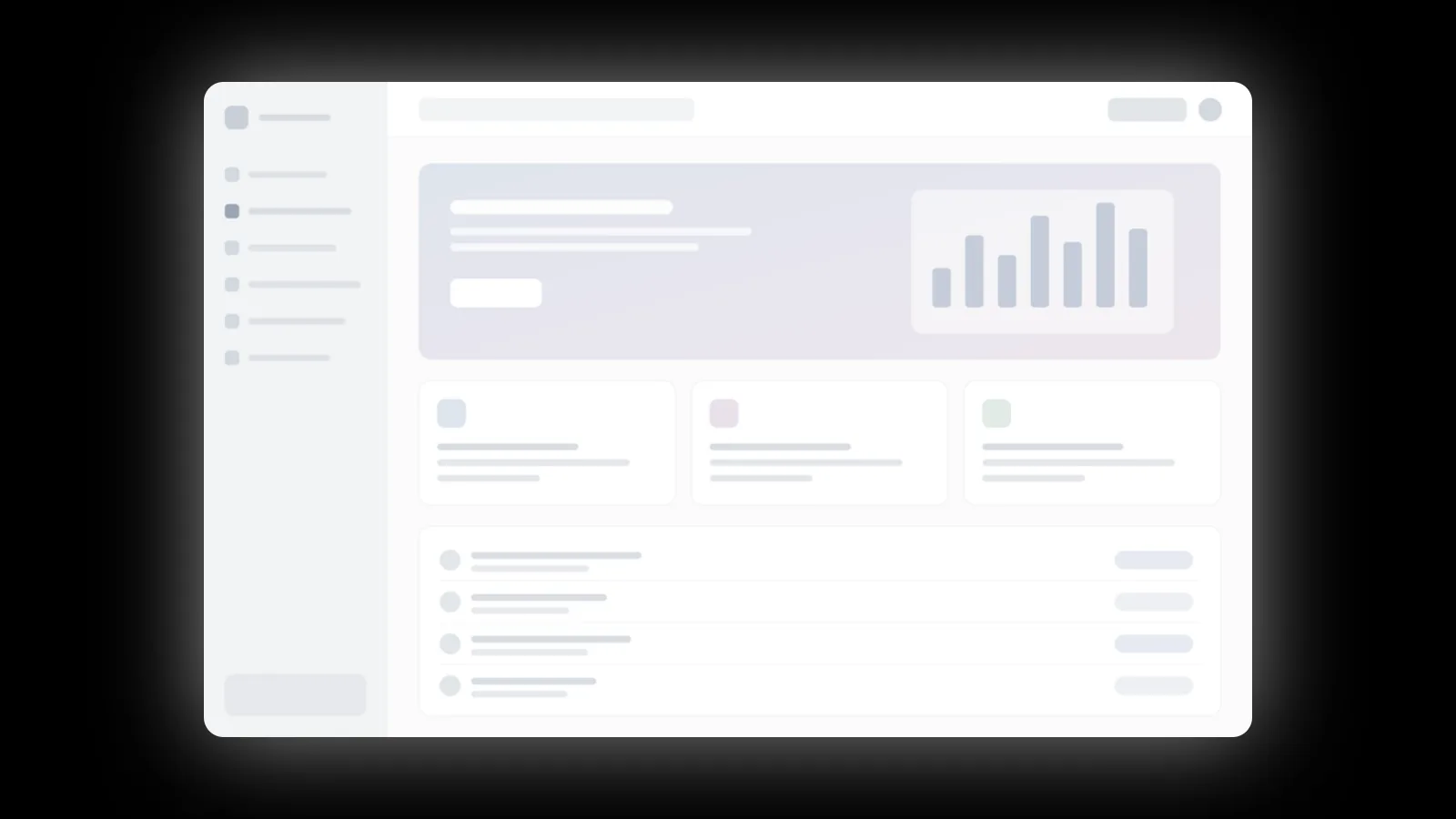
after
how to beautify a screenshot
- open the studio and add your screenshot. drop it in, browse for it, or paste it with ctrl+v (cmd+v on a mac).
- pick a template for the background, then one of its colors if it offers a few.
- choose a size. the one that fits your screenshot's shape best is marked as recommended.
- adjust the screenshot's size, corner radius and shadow until the preview looks right.
- add elements if you want them, such as a window bar, a label or a badge, then download the image or copy it.
what you can change
- the background. templates come in 6 groups: comic, solid, gradient, soft glow, textured, and from your image, which uses a blurred copy of your own screenshot. some come in several colors.
- the screenshot's size on the canvas, its corner radius, and its shadow, which you can also turn off.
- a window bar, light or dark, in three styles: browser with the url you type, window with dots only, or terminal with a title.
- a label above the screenshot, up to 40 characters, in four styles, with an optional line under it.
- a badge on the corner, an author line with your name and @handle, and tech stack chips.
- hide details: boxes that pixelate or black out emails, names or keys in the screenshot.
sizes
every beautified screenshot exports at one of the 13 preset sizes for linkedin, x, instagram, and facebook. these are the linkedin and x ones; the sizes page lists the rest.
| format | pixels | ratio |
|---|---|---|
| linkedin landscape | 1200 × 627 | 1.91:1 |
| linkedin square | 1080 × 1080 | 1:1 |
| linkedin portrait | 1080 × 1350 | 4:5 |
| x landscape | 1600 × 900 | 16:9 |
| x square | 1080 × 1080 | 1:1 |
sharp by default
tasteshot never scales your screenshot down. images export at twice the listed size or larger, as png, and as a high-quality jpeg only when a png would be too large for the platform.
what it doesn't do
- no ai upscaling or enhancement. your screenshot is drawn as it is, so text is never changed.
- no phone or laptop device mockups. the frame it offers is a browser window.
- no arrows, highlights or free-placed text. text goes in the label, the badge, the author line and the tech stack.
questions
what is a screenshot beautifier?
a tool that places a screenshot on a designed background with padding, rounded corners and a shadow, so it looks finished when you share it. tasteshot is one, made for linkedin and x posts.
is this screenshot beautifier free?
yes. every template, preset size and element is free, with no sign-up. an optional pro plan adds custom sizes and custom backgrounds.
can i use the image outside linkedin and x?
yes. the image is yours. it is sized for linkedin and x posts, and works just as well in a readme, a portfolio or a slide.
does it work on windows and mac?
yes. it runs in any current browser. paste a screenshot with ctrl+v on windows or cmd+v on a mac.
try it
it takes about a minute, it is free, and your screenshot never leaves your browser.
studio