linkedin carousel maker
a linkedin carousel is a post made of pages that people swipe through. linkedin takes it as a document upload: a pdf with one image per page. tasteshot turns your screenshots into that pdf, so a project walkthrough, a set of results or a step-by-step reads as one post.
it is free, it runs in your browser, and your images never leave your device.
studio
before
after
how to make a linkedin carousel
- open the studio in carousel mode and add your screenshots. drop them in, browse for them, or paste them. up to 20 images.
- put them in order. drag an image by its handle in the carousel tab, and remove any you don't need.
- choose a size: portrait 1080 × 1350 (4:5) or square 1080 × 1080 (1:1).
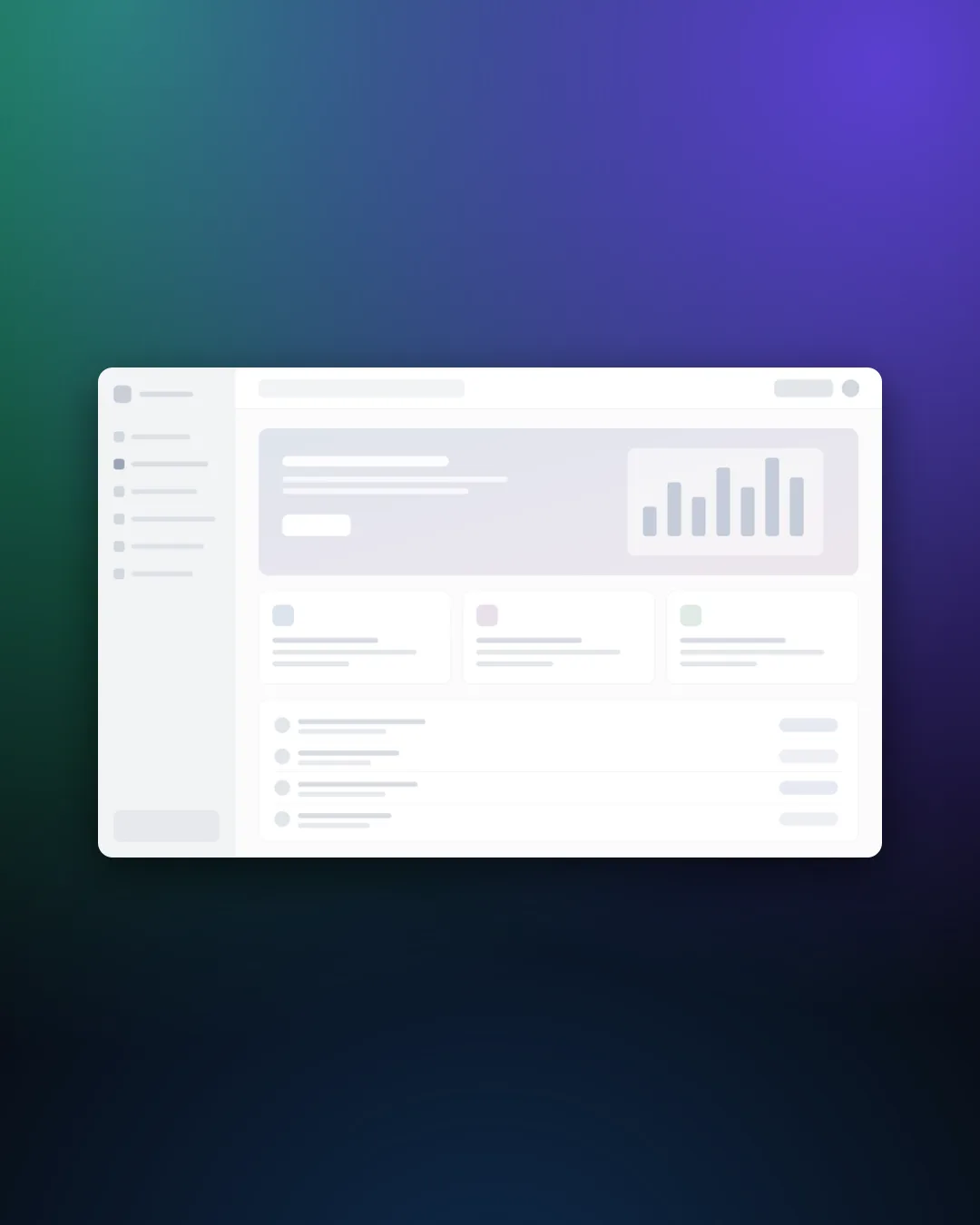
- pick a background. full image lets each screenshot cover its page. a template places it on a designed background with padding, rounded corners and a shadow.
- download the pdf, then add it to a linkedin post as a document.
carousel sizes
portrait is recommended: it is the tallest, so each page fills more of a phone screen. square suits screenshots that are close to square already. every page in one carousel has the same size.
| format | pixels | ratio |
|---|---|---|
| linkedin square | 1080 × 1080 | 1:1 |
| linkedin portrait | 1080 × 1350 | 4:5 |
full image or a template
- full image: each screenshot covers its page edge to edge. whatever doesn't match the page's shape is cropped evenly from the sides or from the top and bottom, so keep the important part near the middle.
- template: each screenshot sits whole on the template you pick, with the same size, radius and shadow sliders as a single image. nothing is cropped.
- the background applies to every page, so the carousel looks consistent from the first page to the last.
- with a template, the window bar, badge, author line and tech stack apply to every page too. the label and hide details are for single images.
tips for a carousel people finish
- make the first page the hook: the finished result, or the question the carousel answers.
- one idea per page. carousels are read on phones, one page at a time.
- keep the text in your screenshots large enough to read on a small screen.
- end on the page you want people to act on, such as the live link or the repository.
questions
how many images can a carousel have?
up to 20 in tasteshot. each image becomes one page of the pdf.
what size should a linkedin carousel be?
tasteshot makes carousels at 1080 × 1350 (4:5), which is recommended, or 1080 × 1080 (1:1). portrait shows the most on a phone.
why is the carousel a pdf?
linkedin uploads carousels as documents. you add the pdf to a post as a document, and linkedin shows the pages as a carousel people swipe through.
are my images uploaded?
no. the pages are drawn and the pdf is made inside your browser. your images are never sent to a server.
can i number the pages?
yes. turn on the page number element and each page shows its place, like 2 / 8. it's also the one element a full-image page shows.
can i change the order of the images?
yes. drag an image by its handle in the carousel tab, or select it and press alt with the up or down arrow. you can also remove images and add more.
try it
it takes about a minute, it is free, and your screenshot never leaves your browser.
studio