add a gradient background to a screenshot
to add a gradient background to a screenshot, put the screenshot in the tasteshot studio, pick a gradient or soft glow template and one of its colors, and download the result at a post size.
this isn't a wallpaper download: the gradient goes behind your own screenshot, with padding, rounded corners and a shadow. it's free, it runs in your browser, and the screenshot is never uploaded.
studio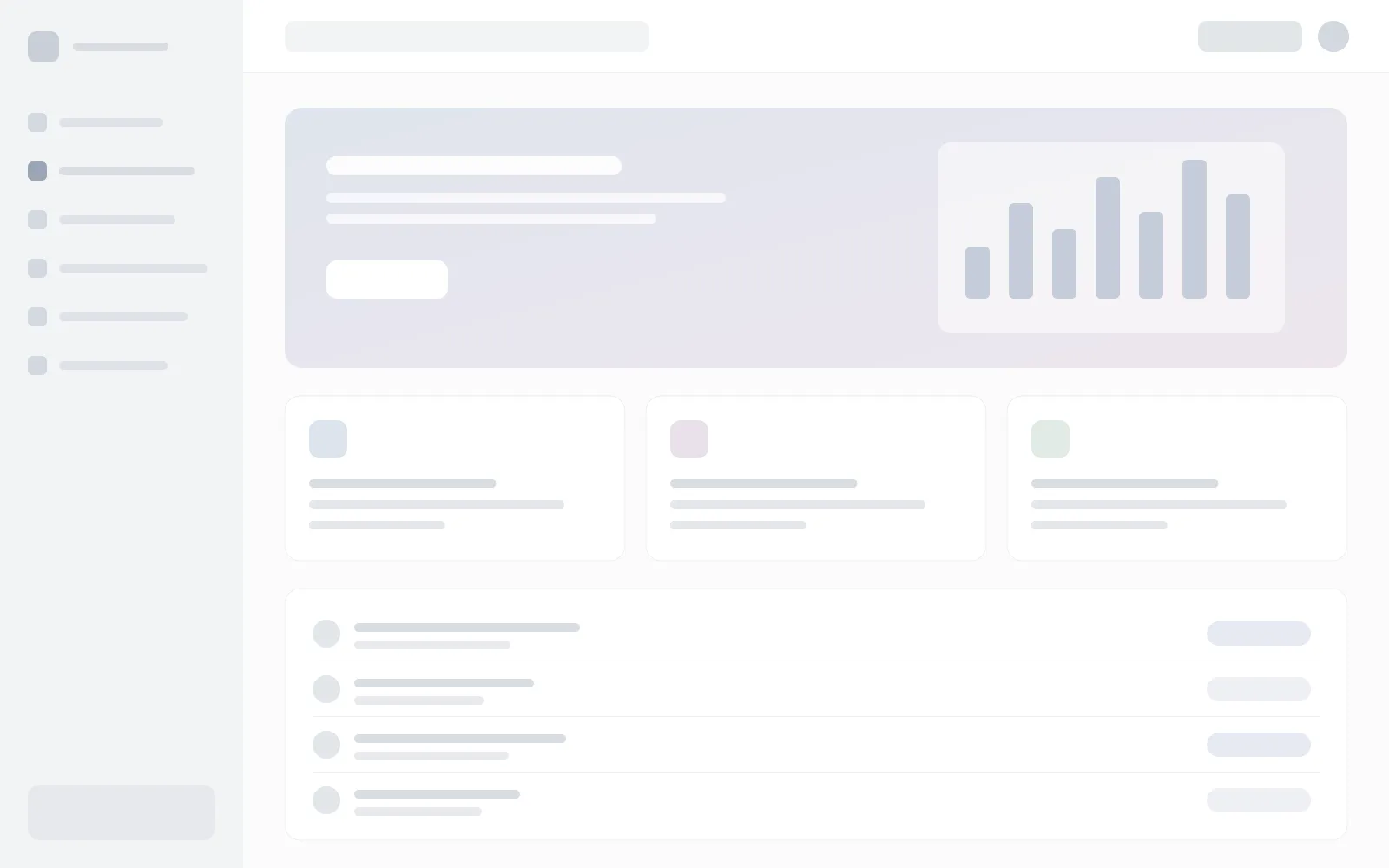
before

after
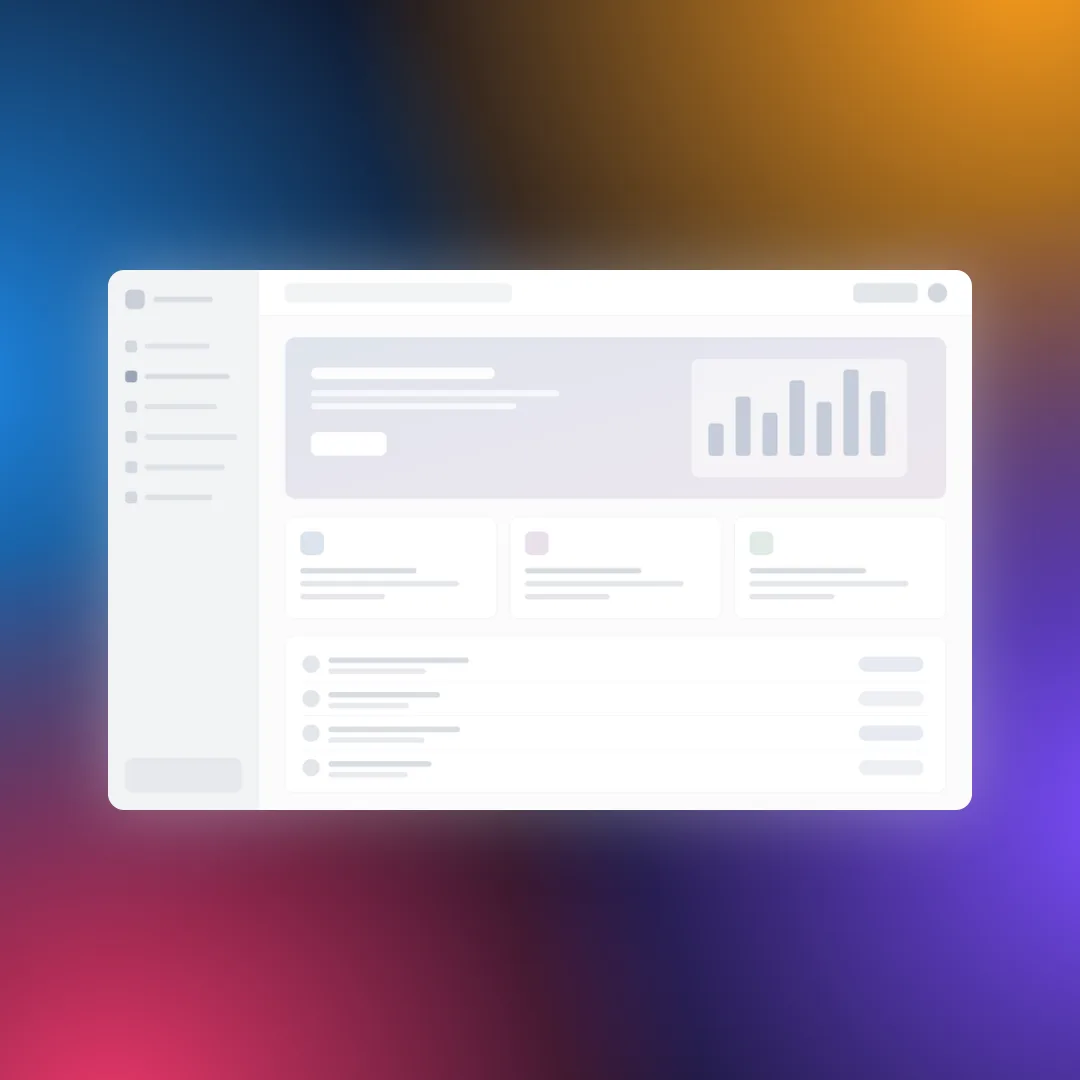
after
how to add a gradient background
- open the studio and add your screenshot. drop it in, browse for it, or paste it with ctrl+v (cmd+v on a mac).
- in the template list, jump to the gradient or soft glow group.
- pick a template, then a color if it comes in more than one.
- choose a size. the one that fits your screenshot best is marked as recommended.
- adjust the screenshot's size, corner radius and shadow, then download the image or copy it.
the gradient templates
gradient templates blend colors in a straight sweep across the canvas. there are 5 of them: sunset, fade, corner, rise, and midnight.
most center the screenshot with even padding. corner places it in one corner so it runs off the edge, and rise lifts it from the bottom edge, which suits tall pages and dashboards that don't need to be seen whole.
the soft glow templates
soft glow templates melt patches of light and shade into a base color, for a softer, deeper look than a straight gradient. there are 7: prism, aurora, amber, sundown, candy, ember, and bloom.
they suit screenshots with plenty of white or dark space, where a flat gradient can look empty.
which one to use
- a busy screenshot, like a dashboard full of numbers, reads better on a calm gradient than on a strong glow.
- a simple screenshot, like a landing page or a login screen, can take a bolder glow.
- pick colors close to your app's own accent color, so the image looks like one piece.
- a dark screenshot stands out on a lighter gradient, and a light one on a deeper one. the preview updates as you switch, so try two or three.
- posting the same image on several platforms? choose a square size, and the background works everywhere.
shadow, corners and padding
the shadow lifts the screenshot off the gradient. raise it for depth, or set it to zero for a flat, printed look. the corner radius rounds the screenshot's corners, and the size slider sets how much gradient shows around it.
nothing here changes your screenshot itself: it is drawn as it is, on top of the background, and never scaled down.
your own gradient
the templates come in set colors. the optional pro plan adds a custom background: a solid color, a gradient with two or three stops (straight at any angle, or radial), or your own image.
sizes
gradient images export at any of the 13 preset sizes for linkedin, x, instagram, and facebook. these are the linkedin and x ones.
| format | pixels | ratio |
|---|---|---|
| linkedin landscape | 1200 × 627 | 1.91:1 |
| linkedin square | 1080 × 1080 | 1:1 |
| linkedin portrait | 1080 × 1350 | 4:5 |
| x landscape | 1600 × 900 | 16:9 |
| x square | 1080 × 1080 | 1:1 |
questions
how do i add a gradient background to a screenshot?
add the screenshot to the tasteshot studio, pick a template from the gradient or soft glow group and one of its colors, choose a size, then download or copy the image.
can i make my own gradient colors?
not on the free plan: you choose from the gradient and soft glow templates and their colors. the optional pro plan adds custom backgrounds with your own gradient.
does the background change my screenshot?
no. the screenshot is drawn as it is, on top of the background, and it is never scaled down. only the background, padding, corners and shadow change.
is the gradient background tool free?
yes. every gradient and soft glow template, color and preset size is free, and you don't need to sign up.
try it
it takes about a minute, it is free, and your screenshot never leaves your browser.
studio